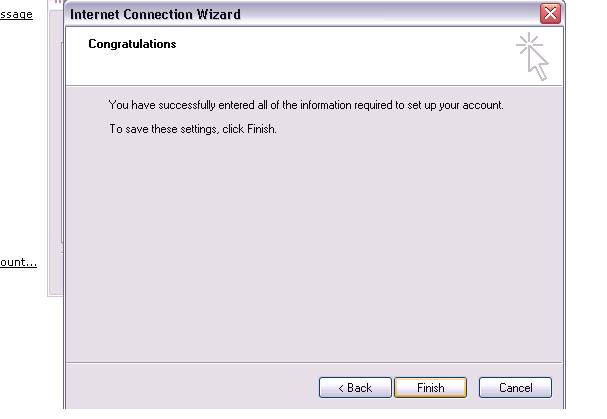
This should walk you thru setting up
most e-mail servers in Microsoft Outlook Express.
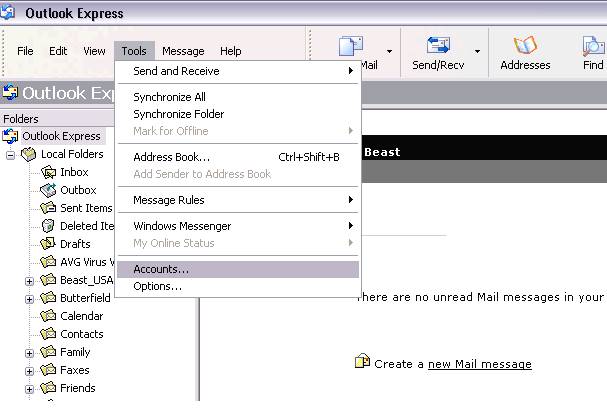
Click Tools, then
click Accounts
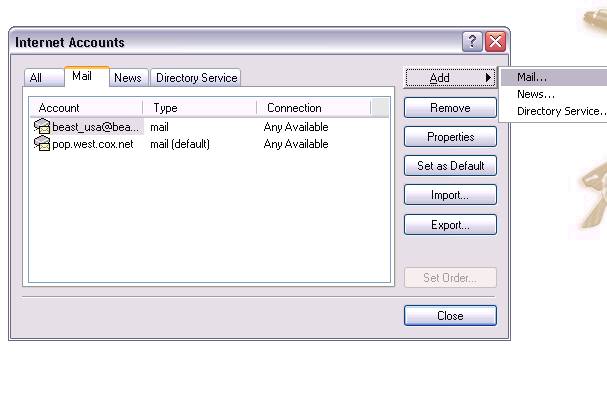
Click Add then click Mail
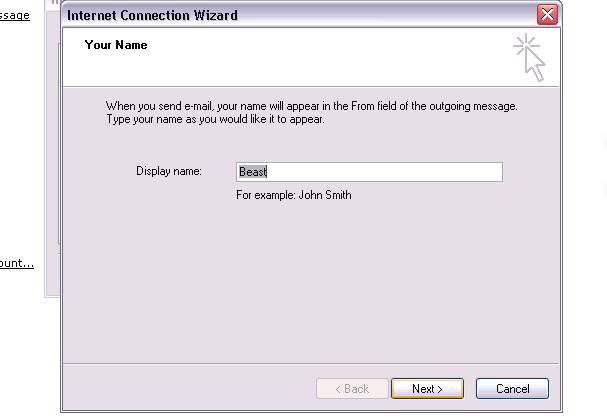
Write the Name you would liked displayed
on your outgoing e-mail.
(Mr. & Mrs. Smith) then click Next.
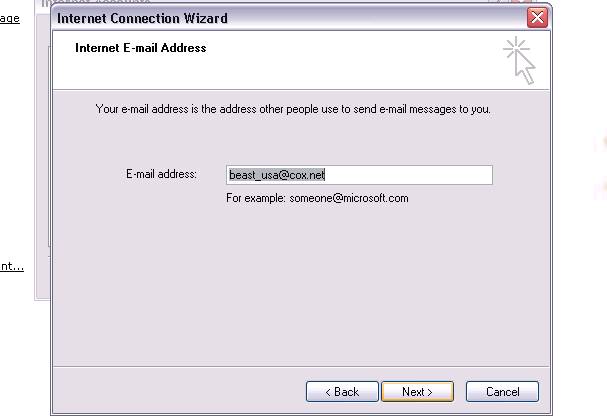
Type in your e-mail address and click Next
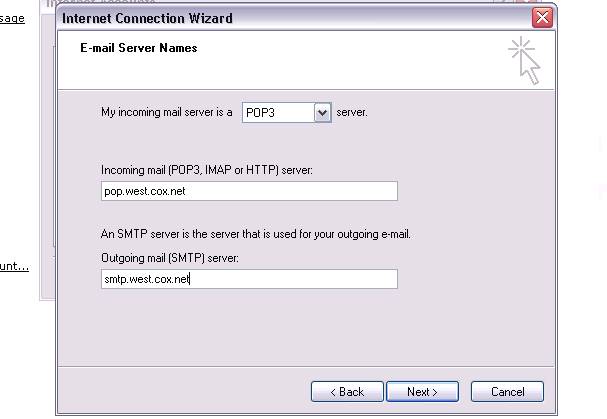
Choose your e-mail server type.
Add you Incoming mail server (POP3) and your Outgoing mail server (SMTP).
(your ISP will provide this) click Next.
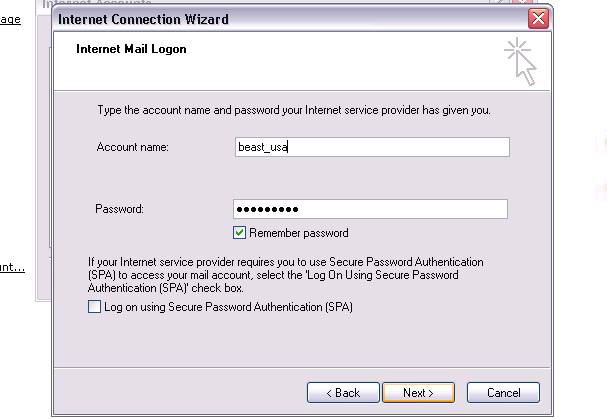
Add your Account name & Password, Check Remember password, click Next.
Then click Finish your all done.